
Guide · updated 2026-10-29
Can You Have Multiple Shopify Stores?
Yes, you can run more than one Shopify store. Here's how to create another store, switch between stores with one login, what each store costs, and how to get products into the new one.
The short answer
Yes. You can create more stores in your organization and switch between them with one login. If your organization isn't on Shopify Plus, each store has its own plan and is billed and invoiced separately. Shopify Plus includes up to 9 expansion stores on top of the main store.
How to create another Shopify store
- In Shopify admin, go to Settings → Organization.
- Click Create store.
- Fill out the setup questions, or click I don't want help setting up.
- Select a plan, or click Skip, I'll decide later.
The organization owner, users with the Organization administrator role and users with the Stores permission can create stores. Whoever creates the store becomes its owner. You can change the new store's myshopify.com address after it's created, but only once. Source: Shopify's create a store help.
Switching between stores with one login
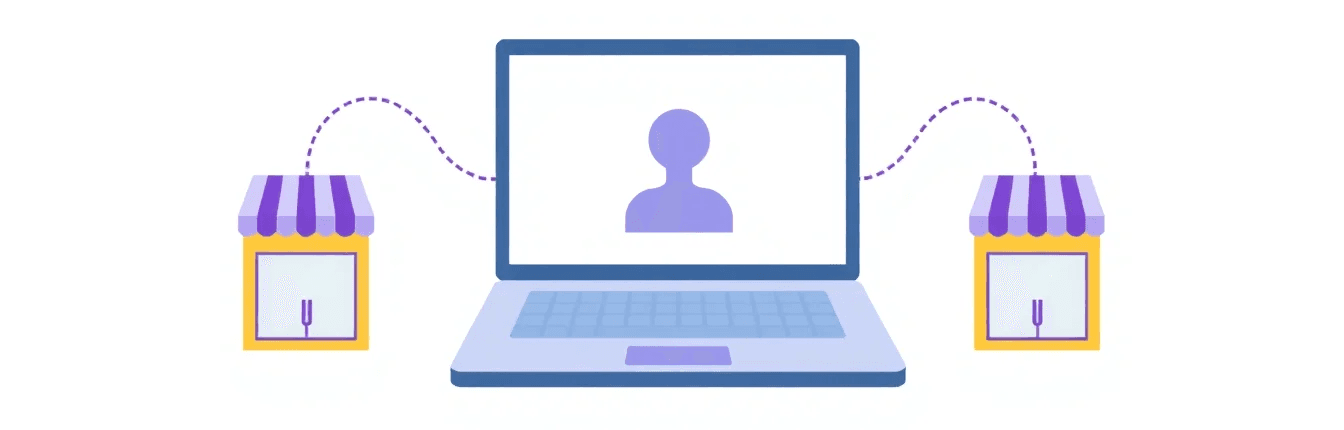
In Shopify admin, click your store's name to open the store switcher. In the Shopify app, tap the store name. It lists every Shopify store where you have an account with the same email address, and View all lets you search them. Frozen, paused and closed stores don't appear.
What multiple stores cost
| Item | What it means |
|---|---|
| Stores on plans other than Plus | Each store is billed and invoiced separately |
| Shopify Plus | Up to 9 expansion stores included, 10 stores in total |
| Apps | Billed per store |
| Paid themes | One licence per store. A licence can't be shared across stores. |
Plan prices change, so check them on Shopify's pricing page. It lists free expansion stores, up to 9, on Plus only.
Shopify Plus expansion stores
On Shopify Plus, an organization can have 10 stores at no extra cost: 1 main store and 9 expansion stores, under the same organization and Plus contract. Staging stores don't count toward the limit. Merchants use them for international stores or B2B wholesale, for example. When you create an expansion store, it can import themes, products, collections and files from another store in your organization. That only works at creation. See Shopify's expansion stores help.
Why merchants run more than one store
Shopify's expansion-store help gives these examples of dedicated stores:
- International expansion: a version of your store for another country.
- Product line extensions: a separate store for a new line.
- B2B stores: wholesale for business customers.
- Employee or VIP stores: a store for a closed group.
- Physical retail locations: a store for your shops.
They're examples, not a recommendation. Every extra store is another set of products, settings and apps to look after.
Getting products into your second store
A new store starts empty. To fill it from a store you already run, export your products as a CSV file (Products → Export) and import it in the new store (Products → Import).
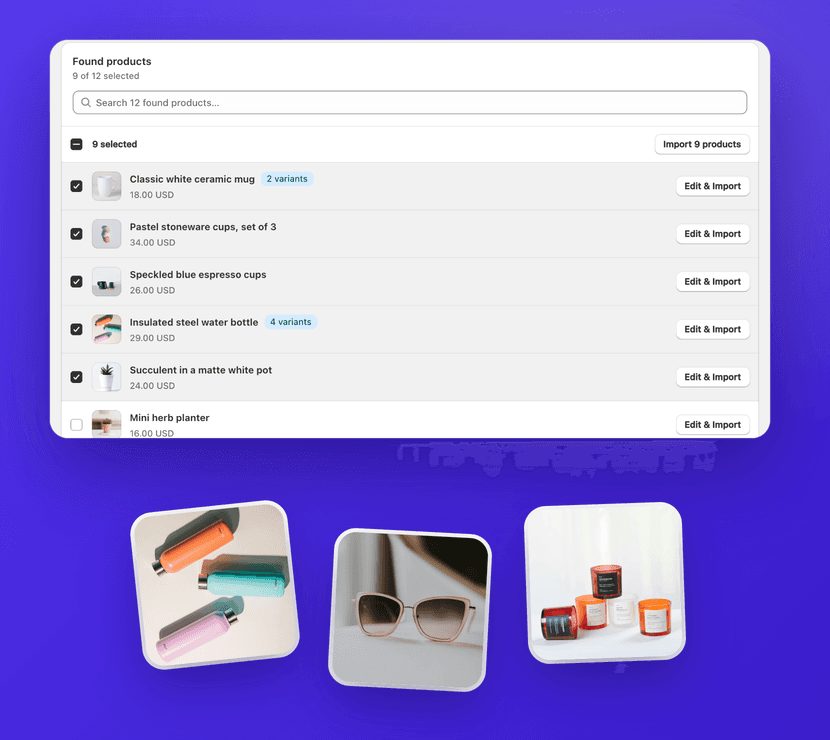
Or copy products and whole collections from a link with 1Click. It works between Shopify stores you manage, converts the source currency to the new store's currency, and applies a price multiplier with optional .99 rounding. It's free for 3 imports (pricing). To copy the theme, customers and settings as well, follow how to duplicate a Shopify store.
Do stores share products or inventory?
No. Each store has its own products and its own stock. For Plus expansion stores, Shopify says store settings, products, collections and inventory aren't synced between stores. 1Click copies products once and doesn't keep them in sync, so a price or stock change in one store doesn't reach the other. Shopify notes that third-party apps or an ERP can sync inventory between stores.
FAQ
Can You Have Multiple Shopify Stores?: FAQ
Still stuck? Email contact@ecomfusion.net.
Can you have multiple Shopify stores on one account?
Yes. Create more stores from Settings → Organization, then switch between them with the store switcher. It lists every store where you have an account with the same email address.
Do I have to pay for each Shopify store?
Yes, unless you're on Shopify Plus. If your organization isn't on Plus, each store is billed and invoiced separately. Plus includes up to 9 expansion stores at no extra cost. Apps are billed per store.
How many Shopify stores can I have?
Shopify's help doesn't give a limit for stores outside Shopify Plus. On Plus, an organization can have 10 stores at no extra cost: 1 main store and 9 expansion stores. Staging stores don't count toward that.
Can multiple Shopify stores share the same inventory?
Not automatically. Each store has its own products and stock, and Shopify says expansion stores don't sync inventory. 1Click copies products once and doesn't sync stock or prices between stores. Shopify notes that third-party apps or an ERP can sync inventory between stores.
Related

Opening another store?
Copy products and whole collections between Shopify stores you manage with 1Click. Free for 3 imports.